Pulse by RealReports helps drive business by delivering automated personalized property valuation reports directly to your client’s inbox. Additional features include engagement analytics to track interactions and identify new opportunities.
For the basics of RealReports, click here to view an introductory guide.
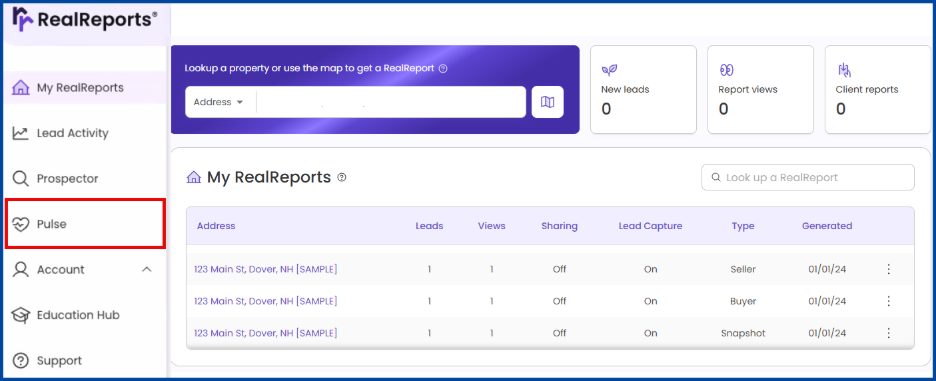
Access Pulse
Select Pulse from the RealReports homepage.
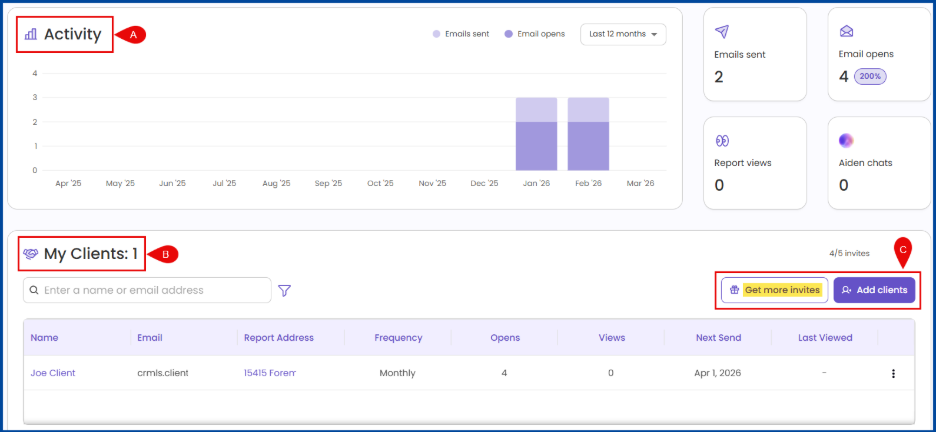
The Pulse dashboard includes:
A: Activity (view emails sent, open rate, etc.).
B: My Clients (view client information, next send, etc.).
C: Add Clients (invite to Pulse).
Note: CRMLS users receive five Pulse reports for no additional cost. Additional reports can be purchased at a bulk discount.
Invite Clients to Pulse
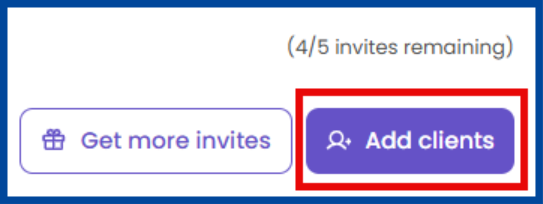
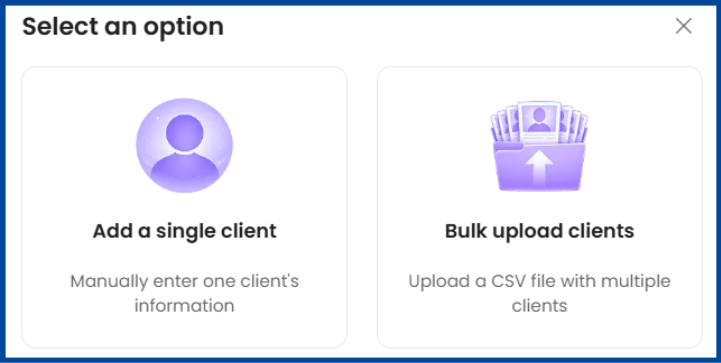
Click Add Clients from the Pulse dashboard.
Choose to Add a single client or Bulk upload clients.
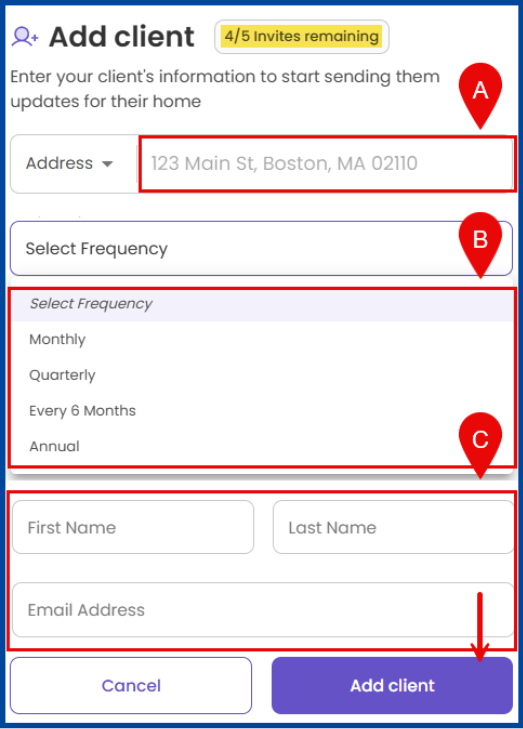
Enter the following details:
A: Client Address.
B: Frequency of report delivery.
C: Client Name and Email.
Manage A Client’s Pulse
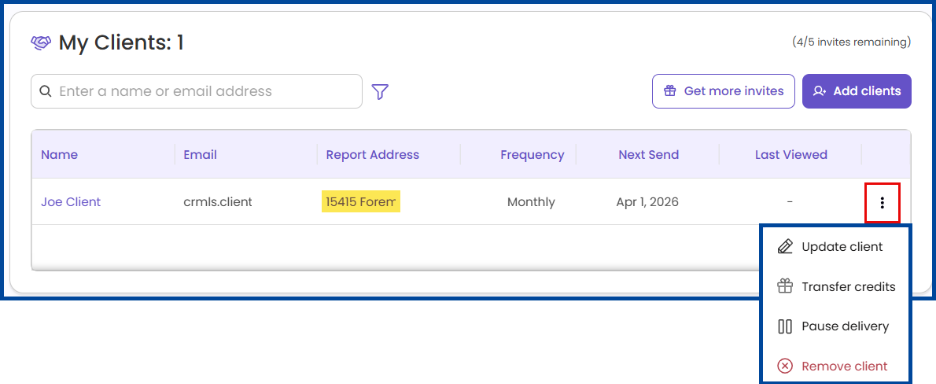
Click the Overflow Menu (three dots) from the Pulse dashboard to:
- Update Client: Update the property address, frequency of delivery, and email.
- Transfer Credits: Send purchased credits to the client.
- Pause Delivery: Pause the Pulse report.
- Remove Client: Delete the Pulse report (retain the credit).
Note: Select the report address to view and/or add notes to the Pulse report.