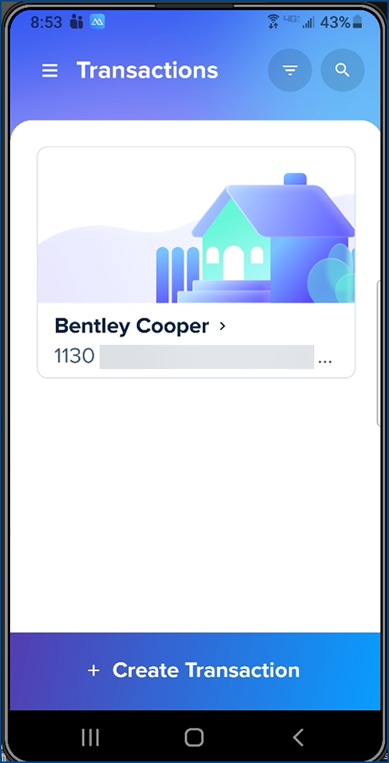
A quick run-through of how to log into SkySlope Forms via their app.
Begin by downloading SkySlope Forms for mobile from your app store.
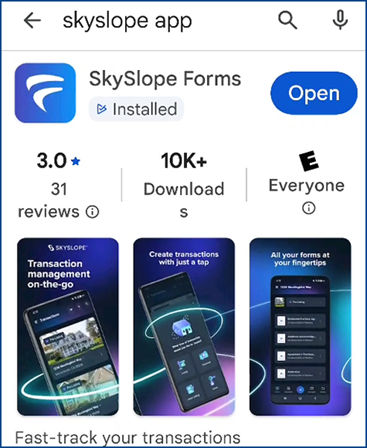
- Open the app and click the Login button
- Select Continue
- Enter your email address in the Username field and click Next
Note: This is the same email listed in your account profile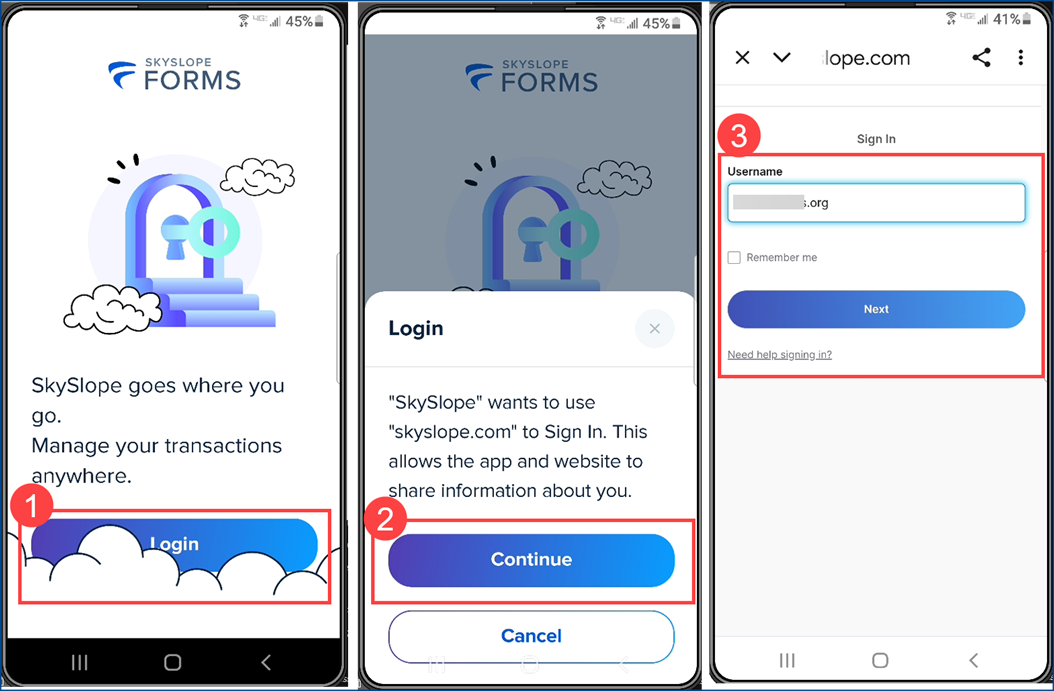
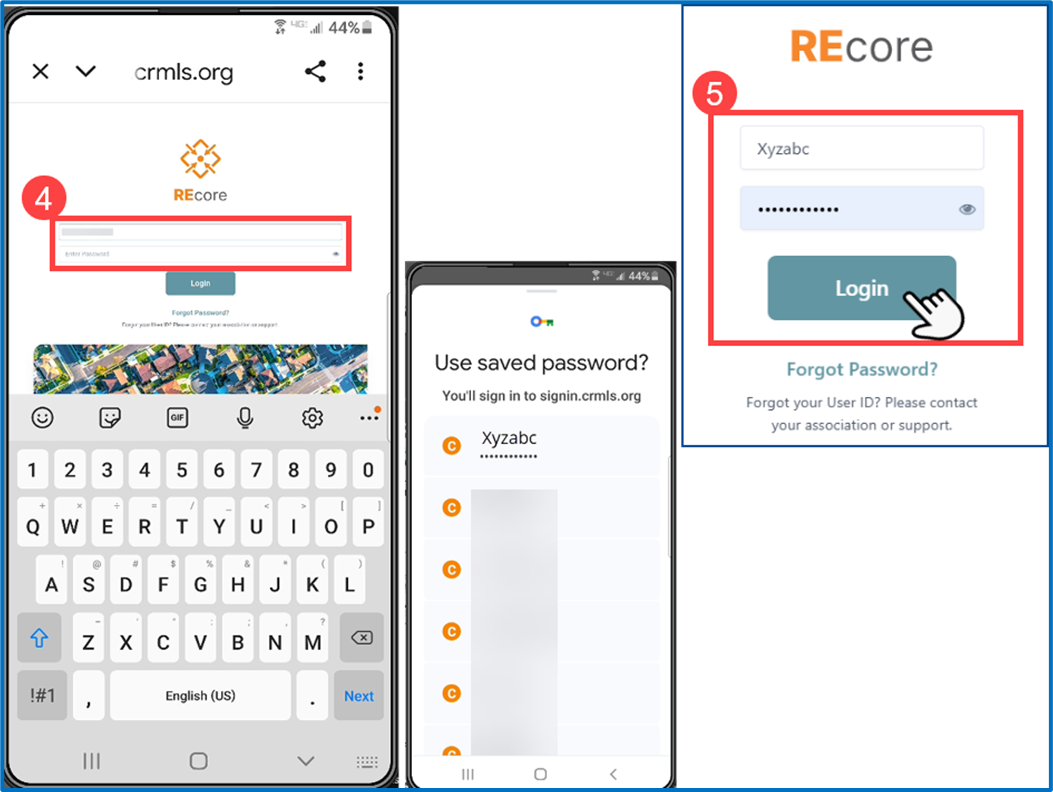
- This will open the CRMLS/REcore login page. Remove the email address you entered at initial launch of the app
- Enter your CRMLS User ID and password (select from your password manager if applicable). Click the Login
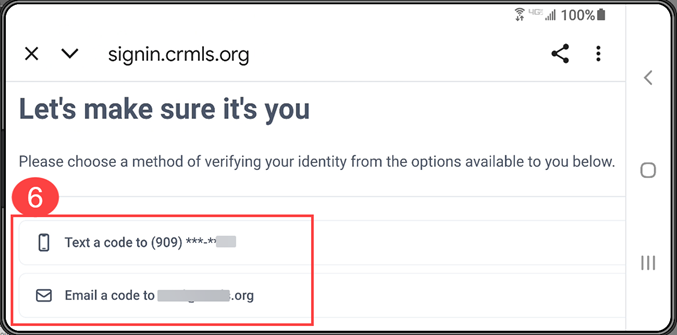
- If prompted, choose a verification method for your multifactor authentication (MFA), such as text or email.
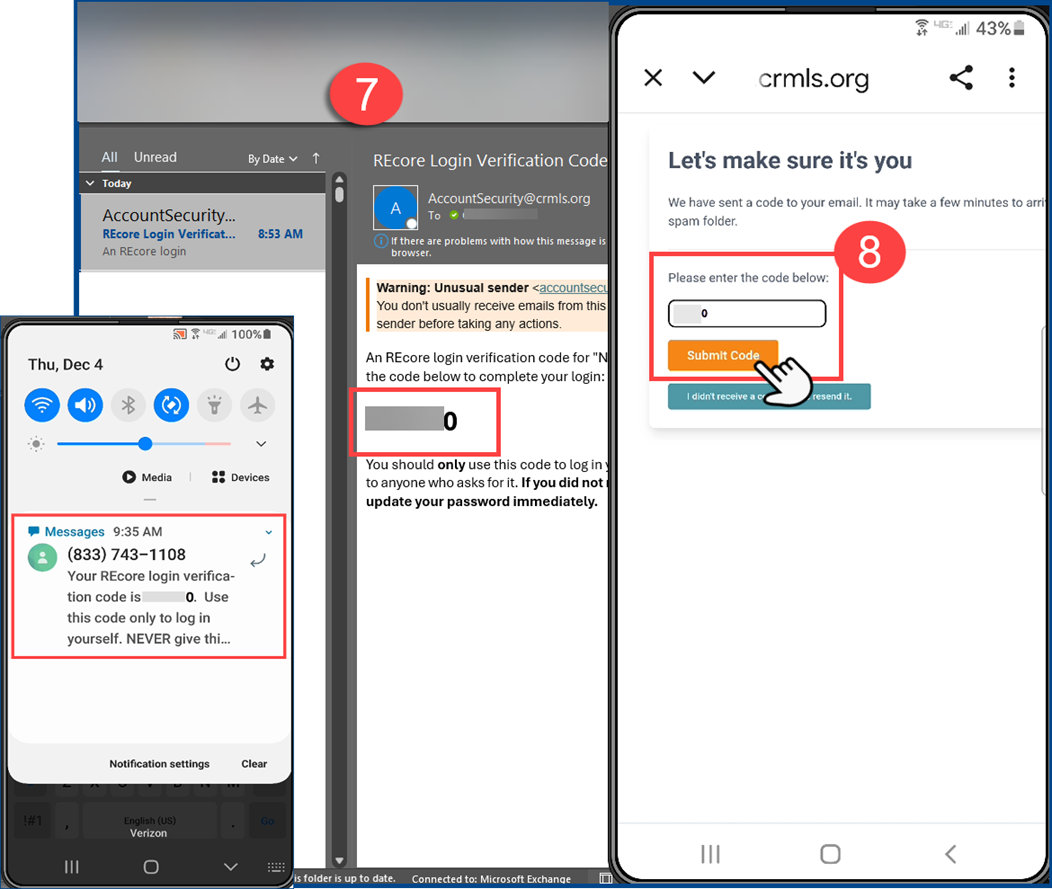
- Copy the code from your verification method
- Enter the code and tap Submit Code to confirm your identity and access the app.
- You are now able to start using the SkySlope app.