Document Images are available to purchase and allow agents to access property-related documents (e.g., deeds, mortgages, and liens) quickly and efficiently.
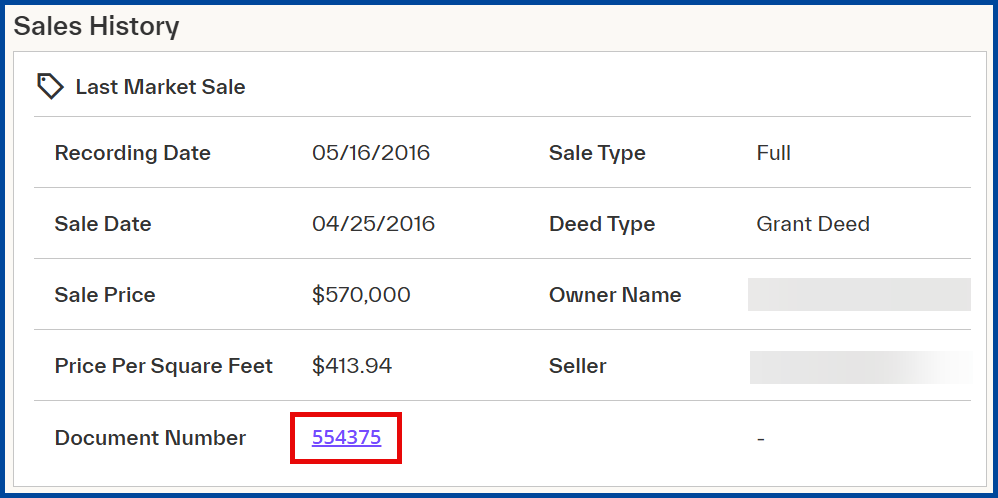
From the Property Details report, select a Document Number (e.g., sales history section).
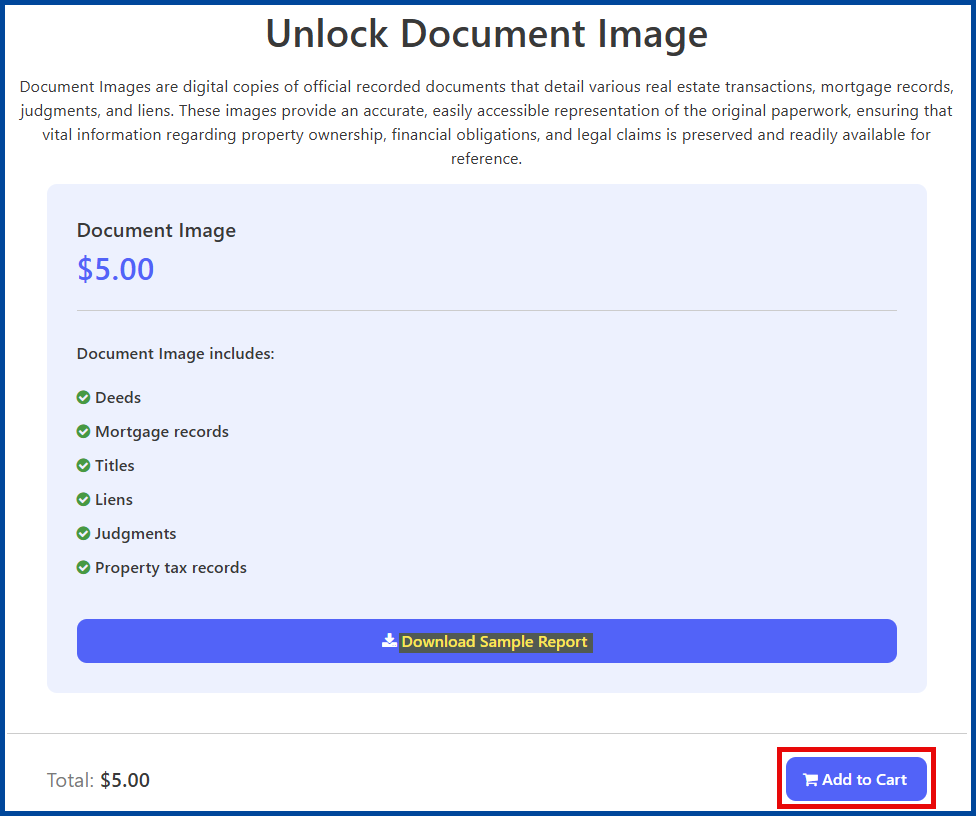
From the pop-up, select Add to Cart.
Select the Cart icon at the top right of the screen to continue the checkout process.

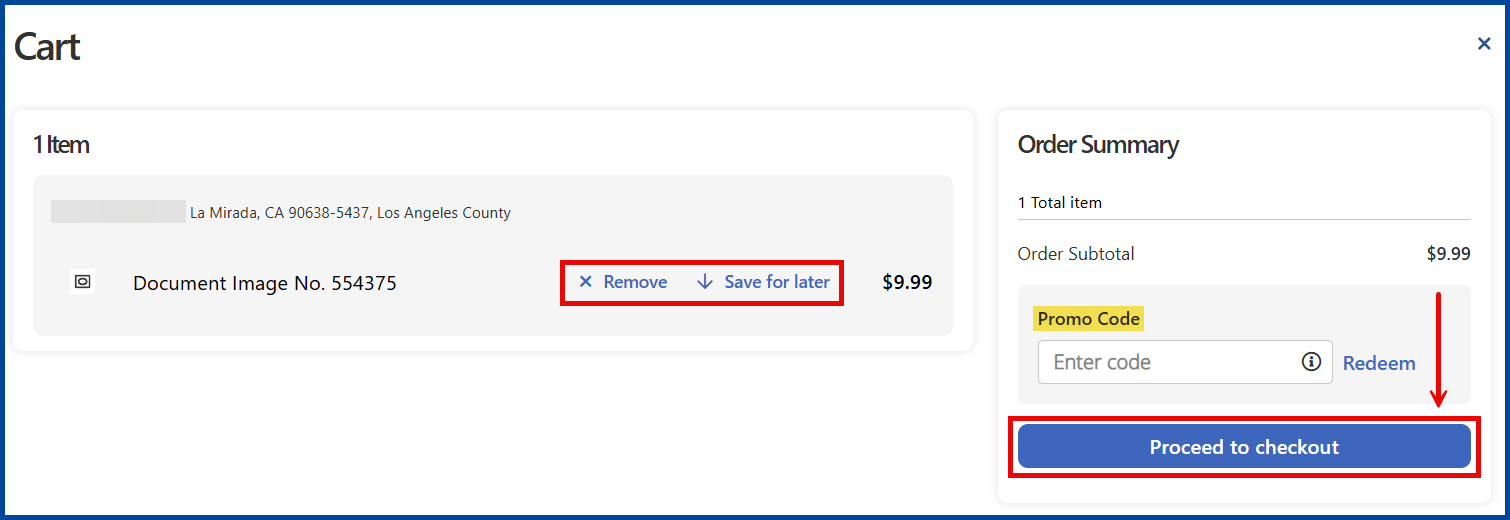
From the Cart page, select Proceed to Checkout or choose to “Remove” or “Save” the document for later.
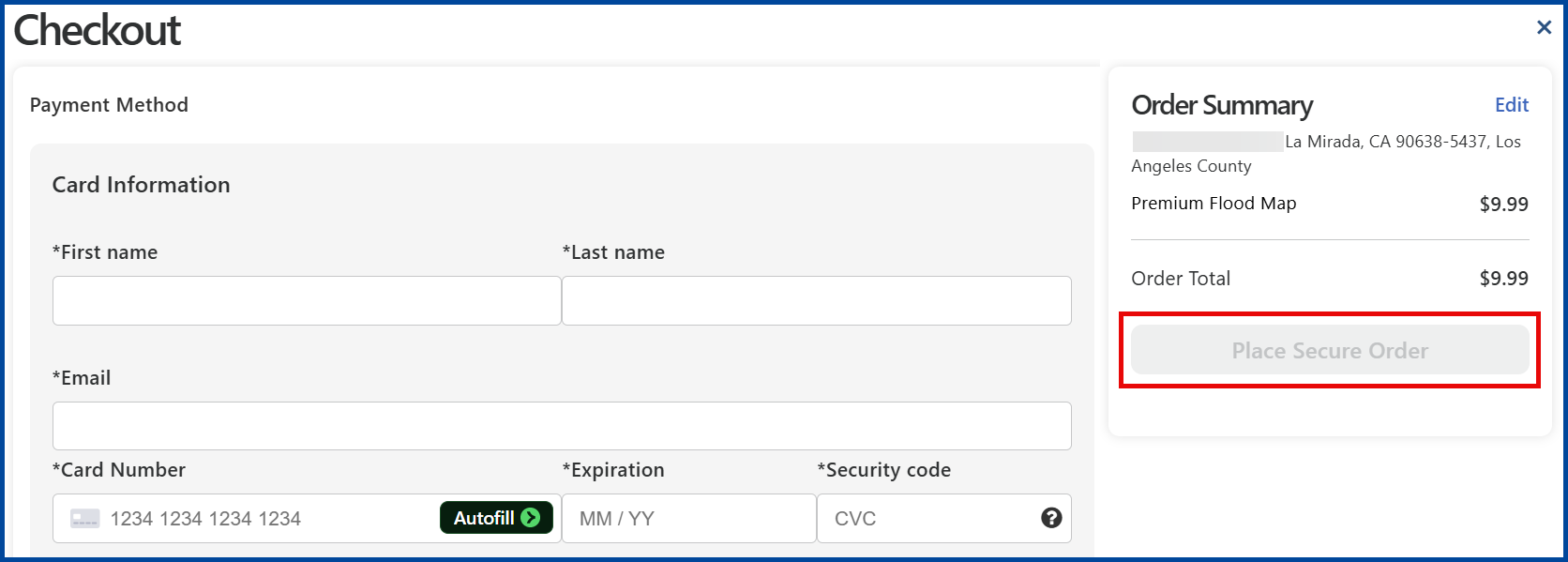
From the Checkout page, add required card and billing information to Place Secure Order.
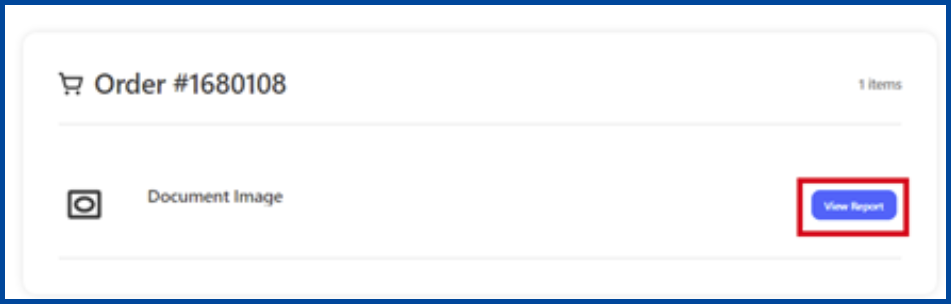
Once the order is confirmed, the document will be available for download. To access it, click on View Report.
Note: you can also access the report via the “Your Orders” page.