Use this quick reference guide to export data from Realist Tax searches into Mailing Labels.
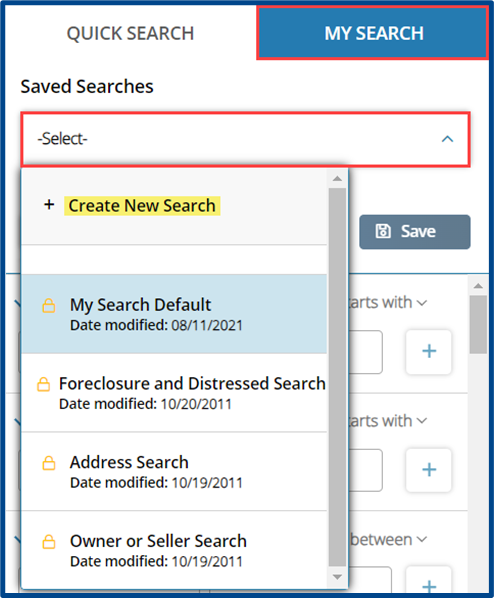
Navigate to the My Search tab and choose a system default search or create a custom search with fields of your choosing.
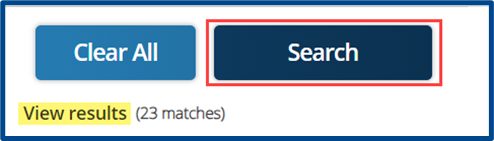
After adding criteria to your search, select Search to see your results in a map or list view.
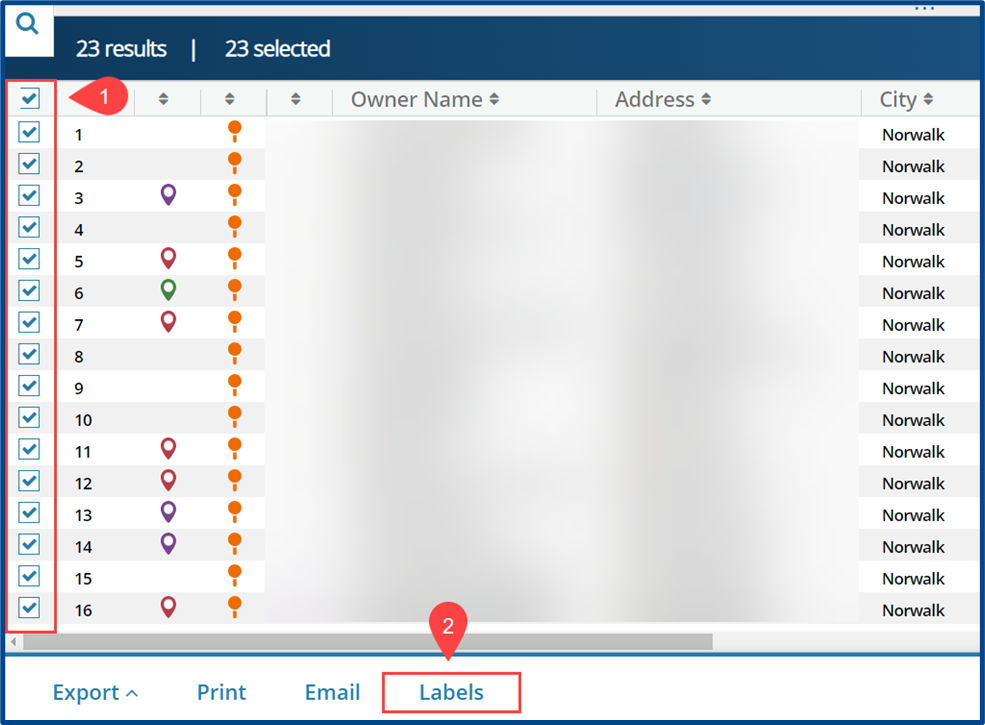
Check the box next to the properties you want to include in the export and then click Labels.
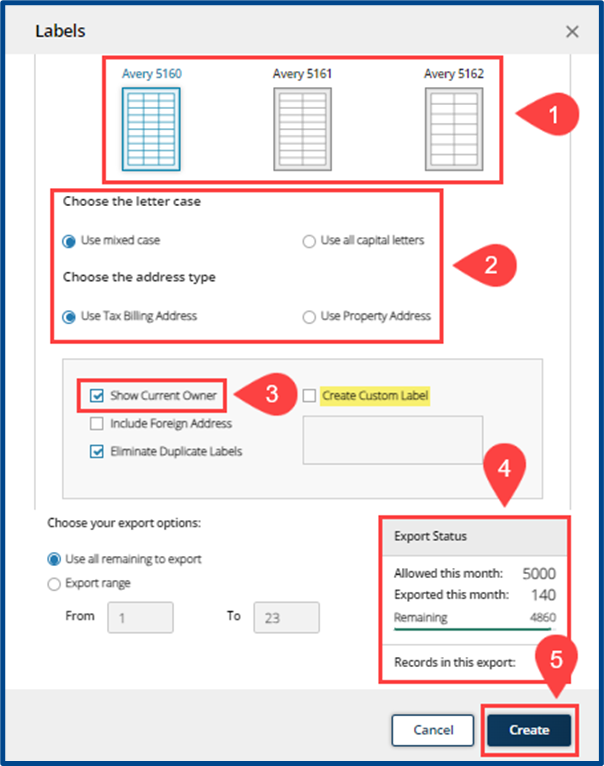
A pop-up will appear to set mailing label details before download.
1: Select the Label Type.
2: Choose the Letter Case and Address Type.
3: Choose to Show Current Owner name or create a custom label.
4: Review your Export Status. CRMLS members receive 5,000 exports per month at no additional cost.
5: Click Create to generate the mailing labels file.