RentEdge by RentSpree is a modular suite of tools that streamlines the entire rental process, providing end-to-end support for transactions. This introductory guide goes into the basics of using RentEdge’s modules and features.
Access RentEdge
Select the RentEdge tile from the REcore dashboard.
Navigate RentEdge
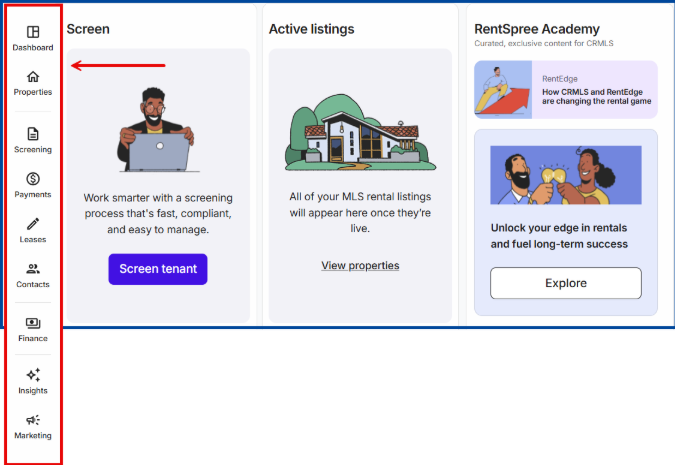
View quick actions such as Screen tenant or View properties or browse all available modules from the left-side navigational menu.
The Properties Tab
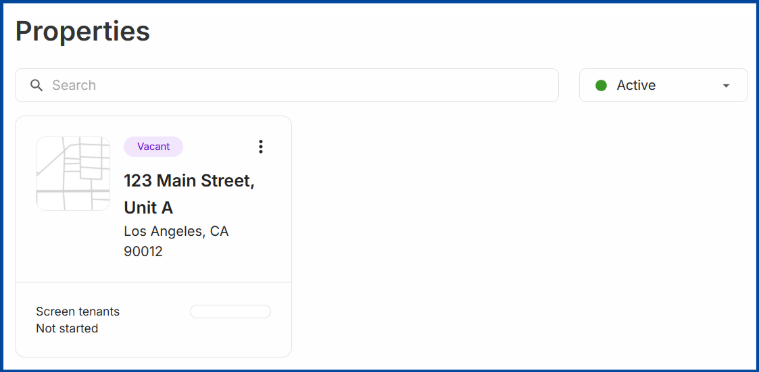
Active lease listing will auto-populate if opted into RentSpree’s online screening. Learn more about the MLS: Online Screening Field.
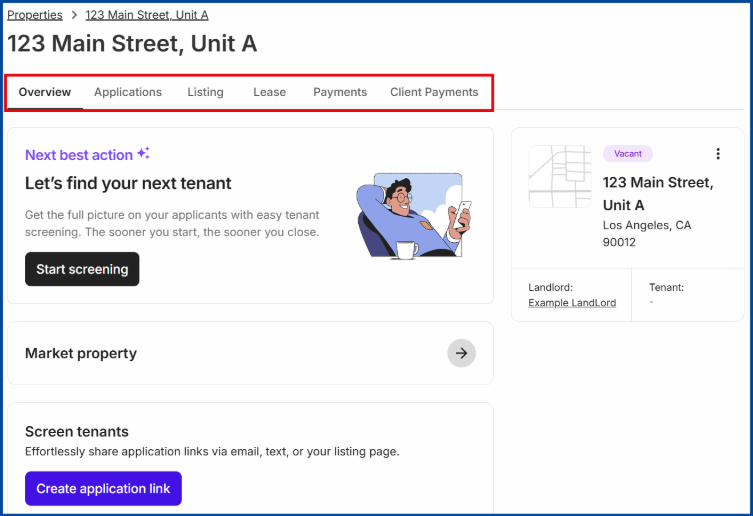
Select a listing to access the following sections:
- Overview: View suggested actions, new activities, notifications, etc.
- Applications: View and manage submitted applications
- Listing: Create a shareable landing page for a lease listing. Learn more about RentSpree’s listing pages here.
- Lease: Upload or create a lease agreement
- Payments: Set up and manage rent payments. Learn more about collecting rent with RentSpree here.
- Client Payments: View and track all received payments
The Contacts Tab
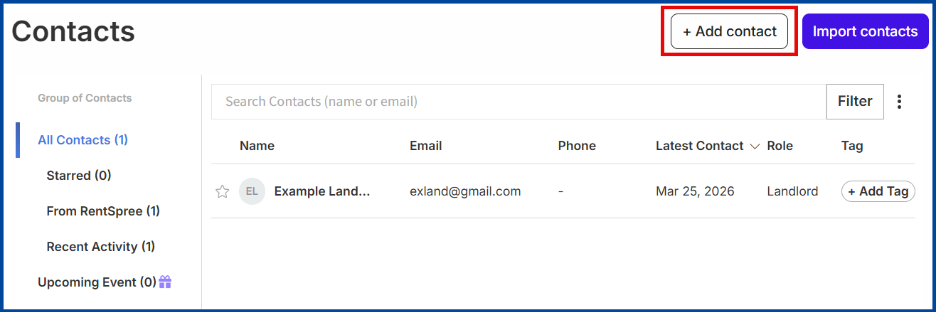
Click the Add contact button to save connections, including landlords, agents, and applicants, for easy communication throughout the rental cycle.
Note: Applicants who complete a rental application will automatically be saved as a contact.
The Finance Tab
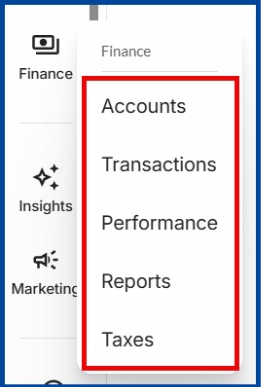
RentSpree consolidates payment processing, expense tracking, and financial insights into one central hub for managing:
- Accounts: Register for a RentSpree checking account
- Transactions: View collected payments for each rental unit
- Performance: View the performance of a rental unit to track cash flow, income vs. expenses, market value, and more
- Reports: Download and share rental performance
- Taxes: Auto-generate ready-to-file tax forms
The Insights Tab
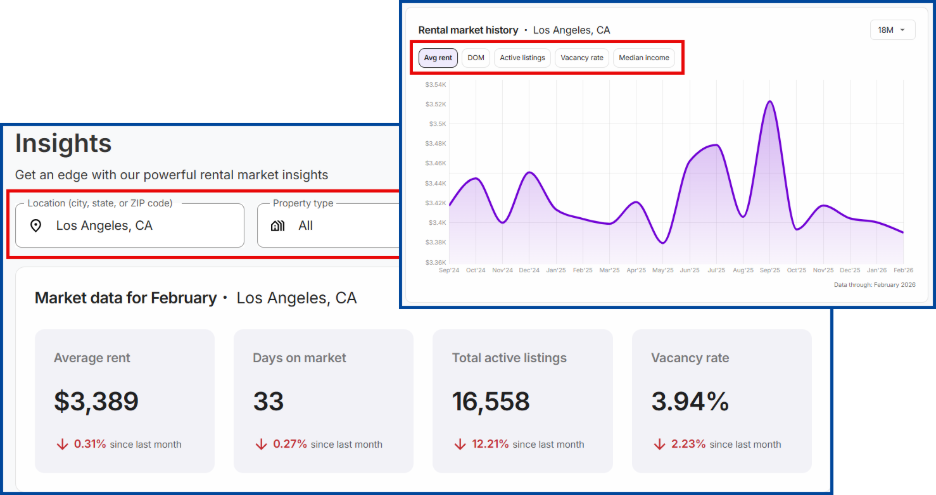
Access real-time rental market statistics.
The Marketing Tab
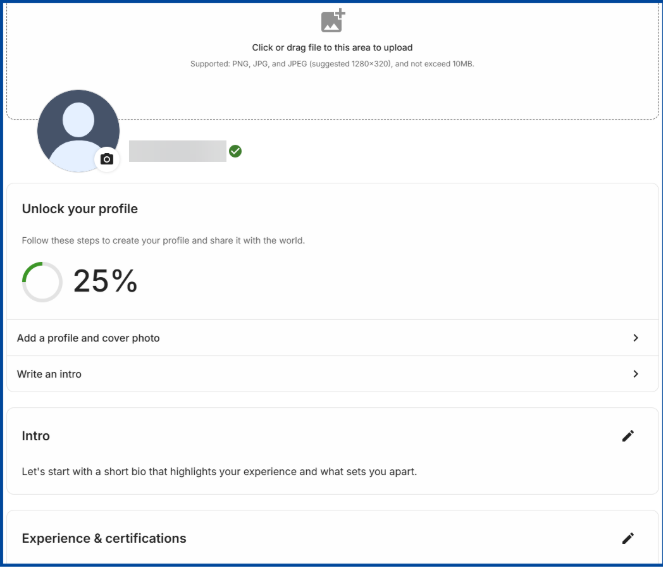
Create a dedicated landing page to display your contact information, brokerage details, and professional expertise.
Your profile is public-facing, searchable on major search engines, and shareable with your network to help generate leads.
To view a completed sample Professional Profile, please click here.
Have questions? Visit RentSpree’s Help Center for more information on using RentEdge.