CubiCasa offers user-friendly tools to create floor plans of your listed properties. Simply download the app to your mobile device, then use that device to scan a walkthrough of the property. CubiCasa will take the data from your scan and, usually within 24 hours, convert it to a floor plan you can easily upload onto your listing in the MLS.
Note: Larger orders or orders with additional features may take longer to process.
Basic 2D floor plans are free of charge and include room dimensions and estimated total square footage*. Additional floor plan add-ons with more detail and information will be available to CRMLS users at a 25% discount.
After the initial scan, users are required to have a credit card on file to continue generating floor plans through CubiCasa. Note that you will NOT be charged UNLESS your floor plan covers a property over 5,000 square feet or if you request add-on features.
Follow these steps to download the app and create your account:
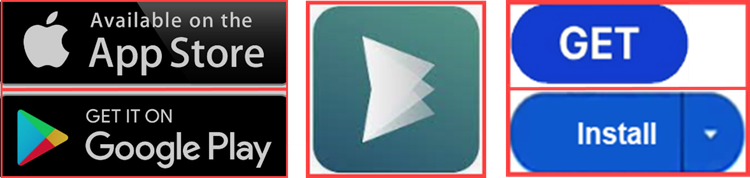
- Go to your App Store or Google Play Store and search for CubiCasa. Tap the Get or Install button to download the app.
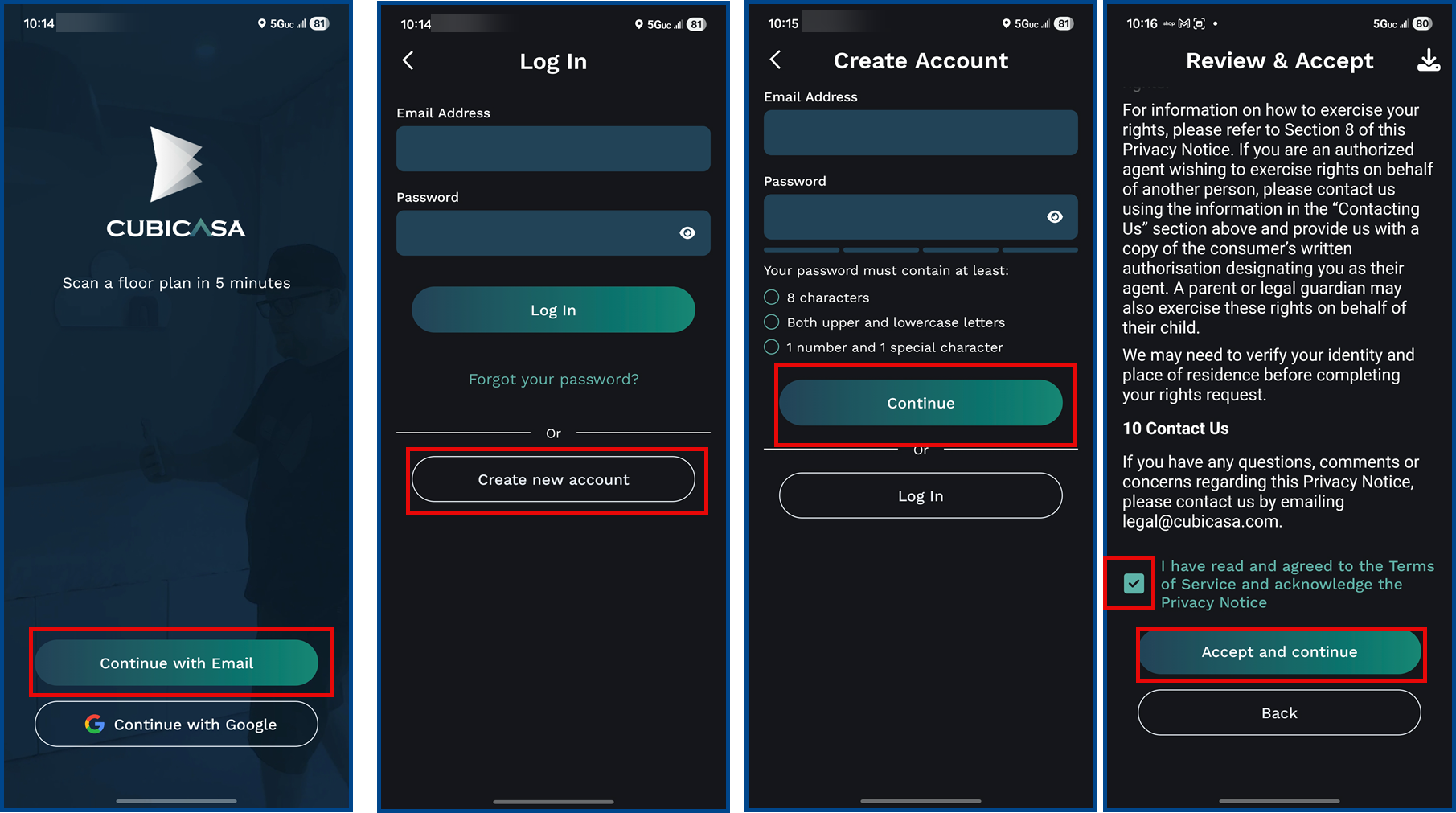
- Open the app and tap Continue with Email at the bottom of the screen, and then Create New Account on the next screen.
- Enter your email and create a password. Your password must be between 8-20 characters and include at least one number, one uppercase letter, one lowercase letter, and one special symbol.
- Tap Continue, then Accept the Privacy Policy.
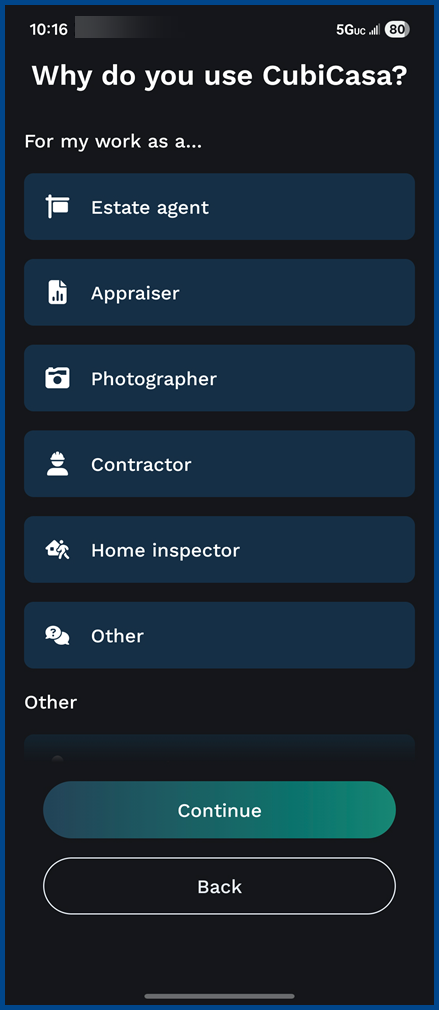
- Select your use case:
- Estate agent (for this example we have selected Estate agent)
- Appraiser
- Photographer
- Contractor
- Home Inspector
- Other
- Tap Next
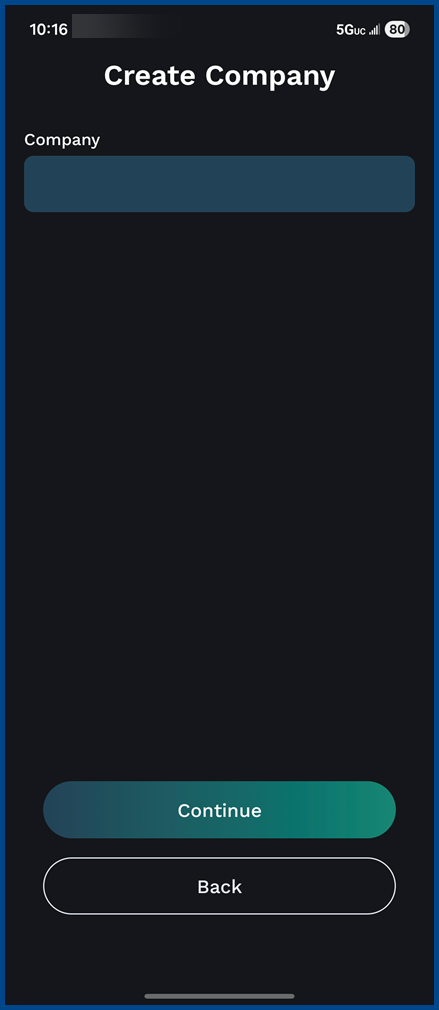
- Enter in your Company Details
- Company name (for this example we entered CRMLS)
- Select country
- VAT number (not required)
- Floor plan language
- Tap Create company
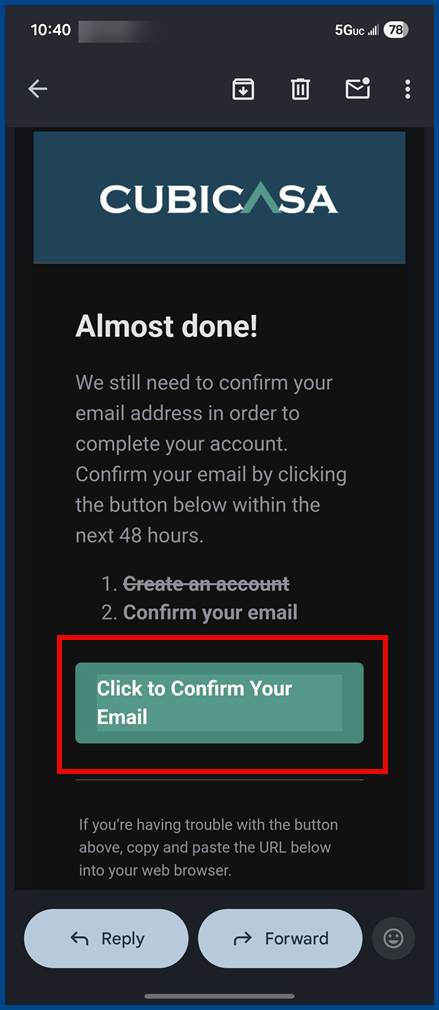
- CubiCasa will send a verification email to the email associated with your account. Click the link in the email to complete your account setup.
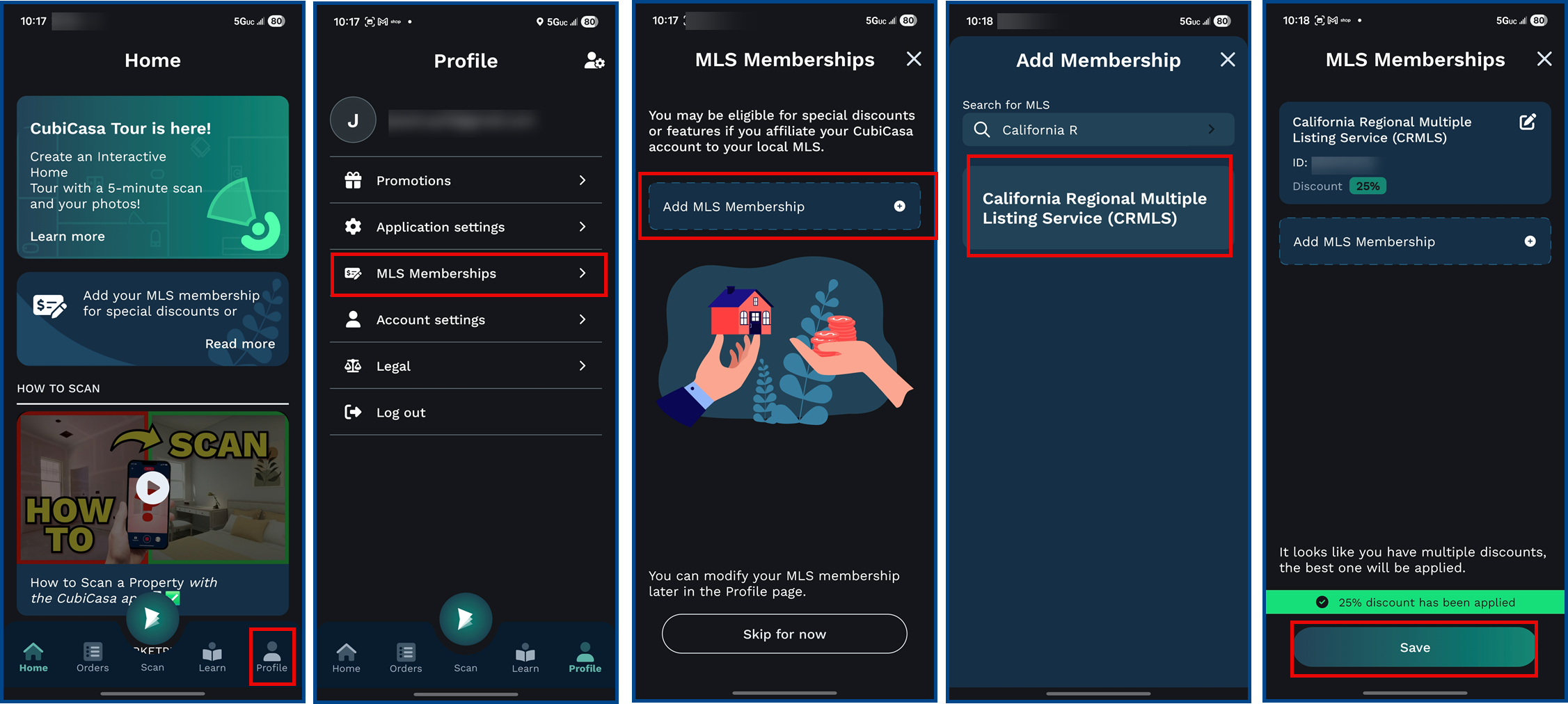
Connecting to Your MLS Account (required for the CRMLS member 25%)
- From the Homepage, tap Profile, then tap MLS Memberships, then tap Add MLS Membership
-
- Under MLS Name, select California Regional Multiple Listing Service
- Enter your MLS Login ID
- Tap Save
- Tap “+ Add more” to add additional MLSs you are a member of
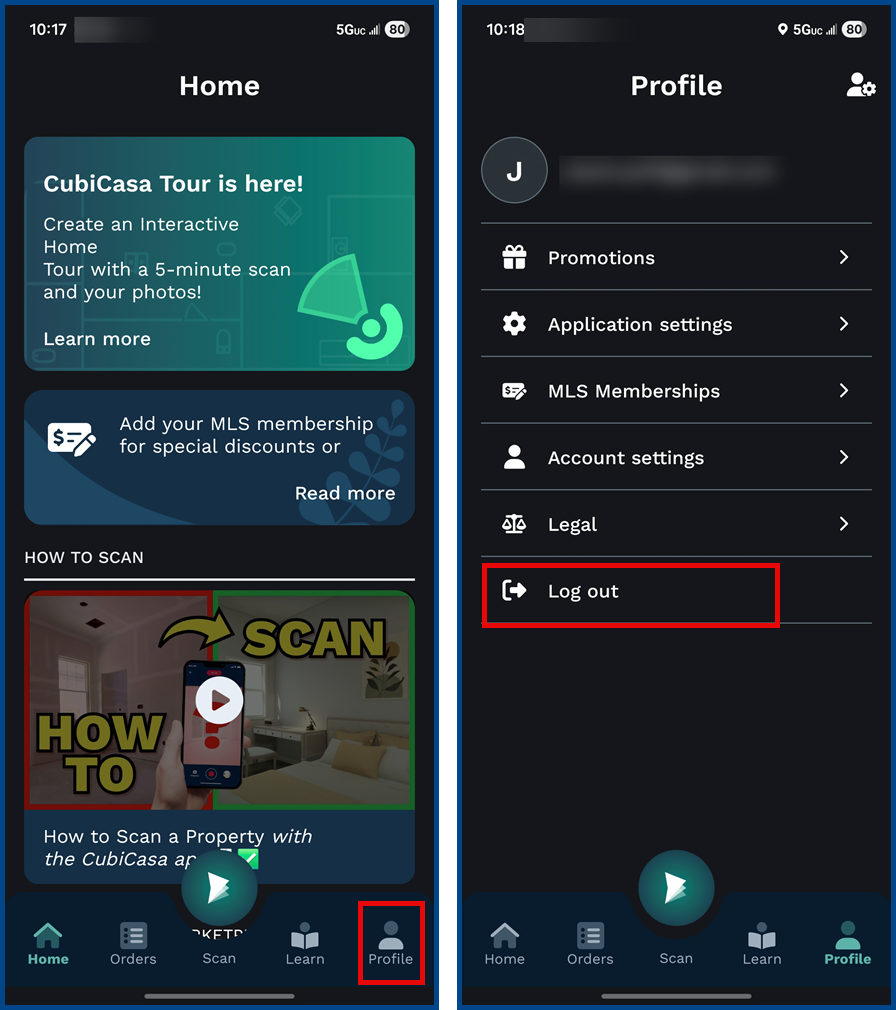
To Log Out
-
-
- Tap on Profile
- Scroll down and tap on Log out
-
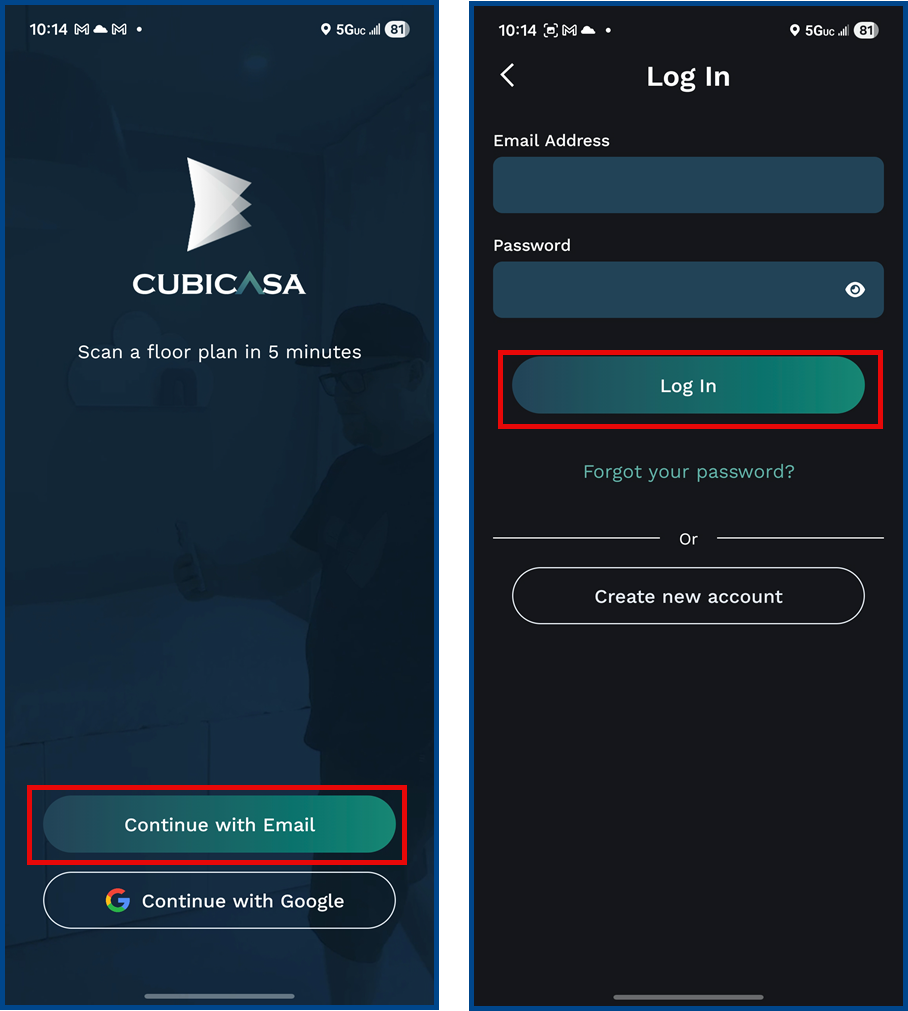
Signing in to the CubiCasa App
Once your account is created and confirmed, log in by:
- Opening the CubiCasa App
- Selecting Continue with Email or Continue with Google (for this example we have selected Email). Enter your email and password and tap Log In.
*Measurements in floor plans generated by CubiCasa may not be 100% accurate and CRMLS assumes no responsibility for potential inaccuracy of the measurements
Click here for our tips for scanning
Click here for CubiCasa’s best scanning practices
Click here for our how to scan a property