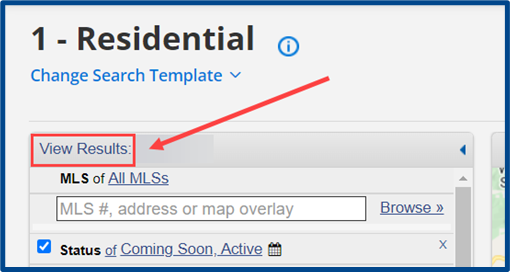
Follow the steps below to perform a quick search for listings.
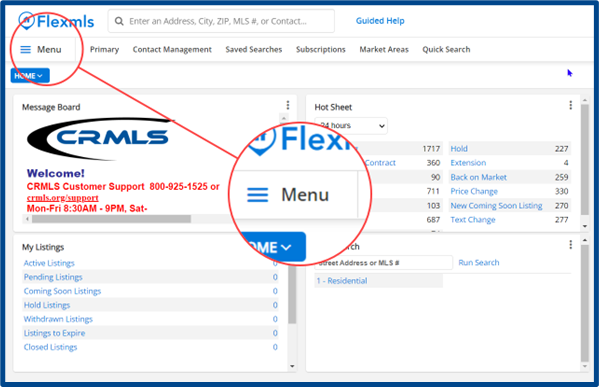
From the Flexmls homepage, locate and access the Menu tab at the top left.
Note: the Flexmls homepage display is customizable and may vary from the provided example.
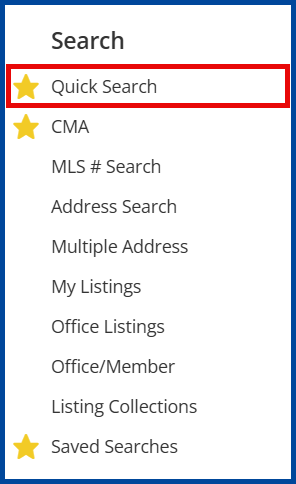
From the dropdown menu, locate the “Search” section and select Quick Search.
Note: you can favorite a menu item by selecting the Star Icon. This will add that item to the top “Favorites Bar” for quick access.
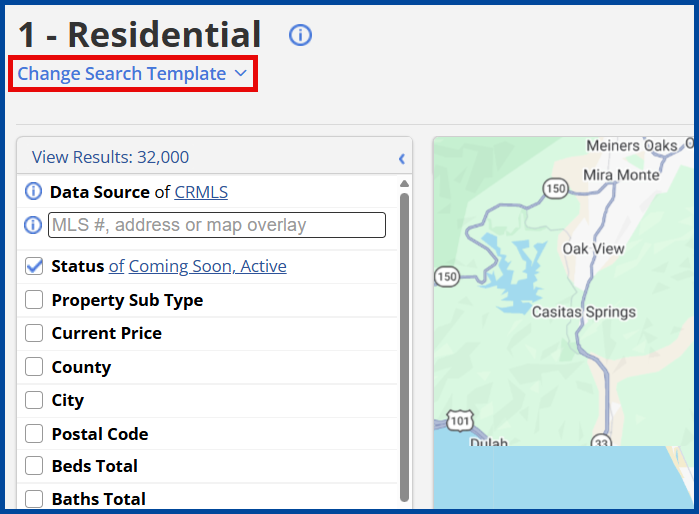
A search template will launch with filters along the left and map/data displayed along the right.
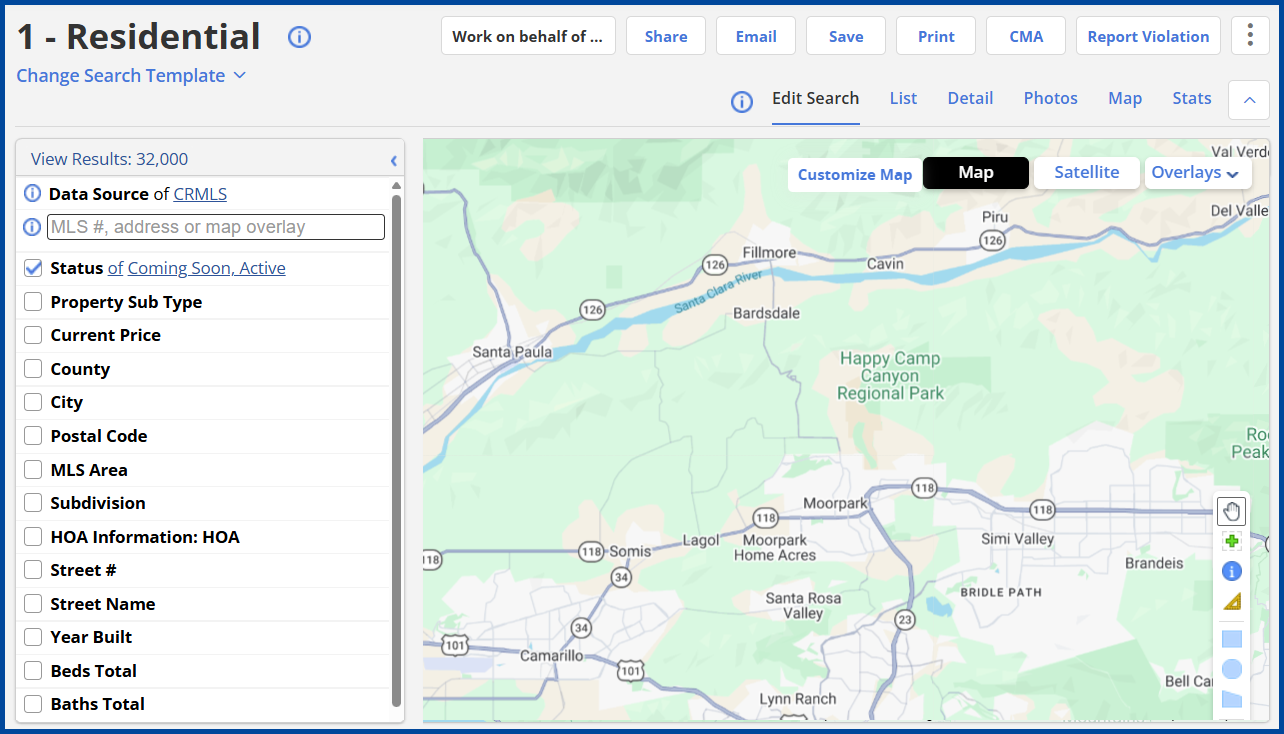
Select/Change the property type by clicking Change Search Template. The default template is Residential.
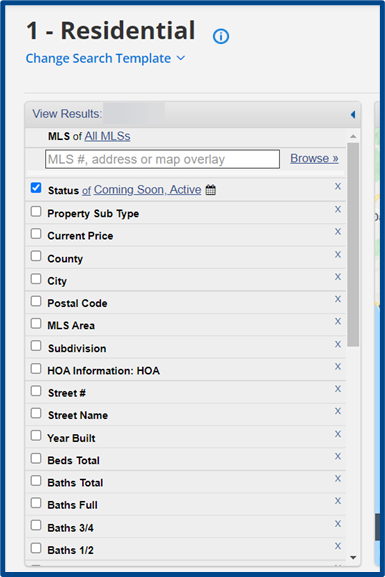
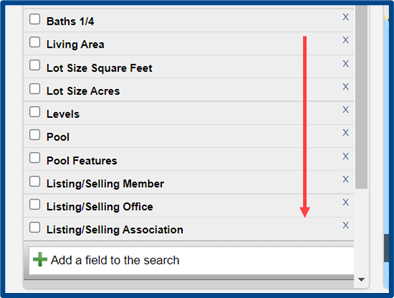
Apply filters and scroll down to view or add additional criteria to the search.
Select View Results to generate the search results.